A momentary button that makes an electrical connection only while it is pressed.
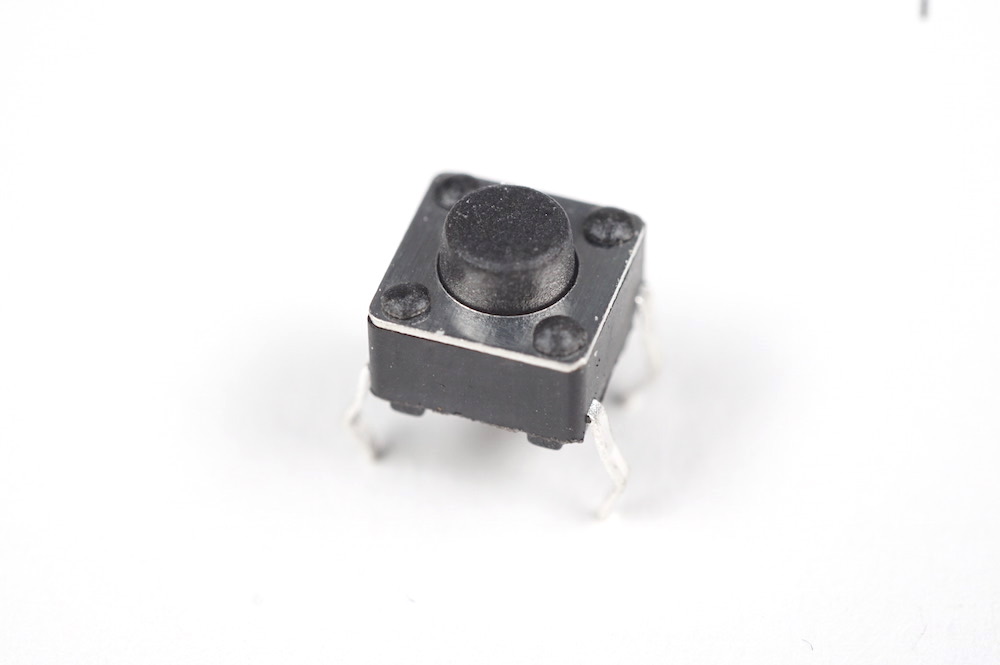
When you need a button for user input. The arcade and panel-mount variants below suit different mounting situations; see Tactile pushbutton for the small breadboard-mount button.
Arcade
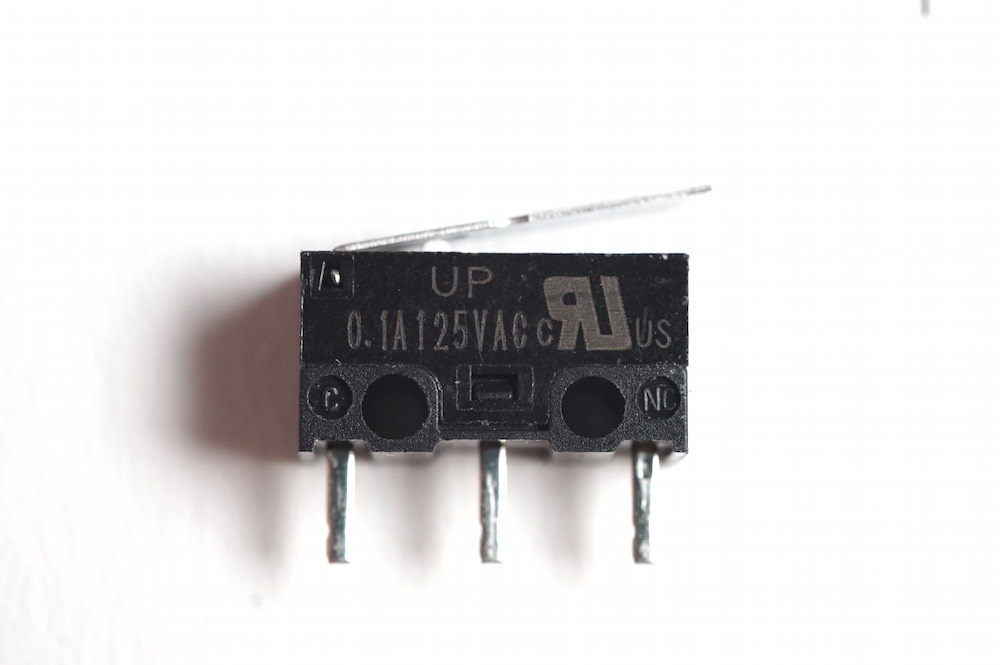
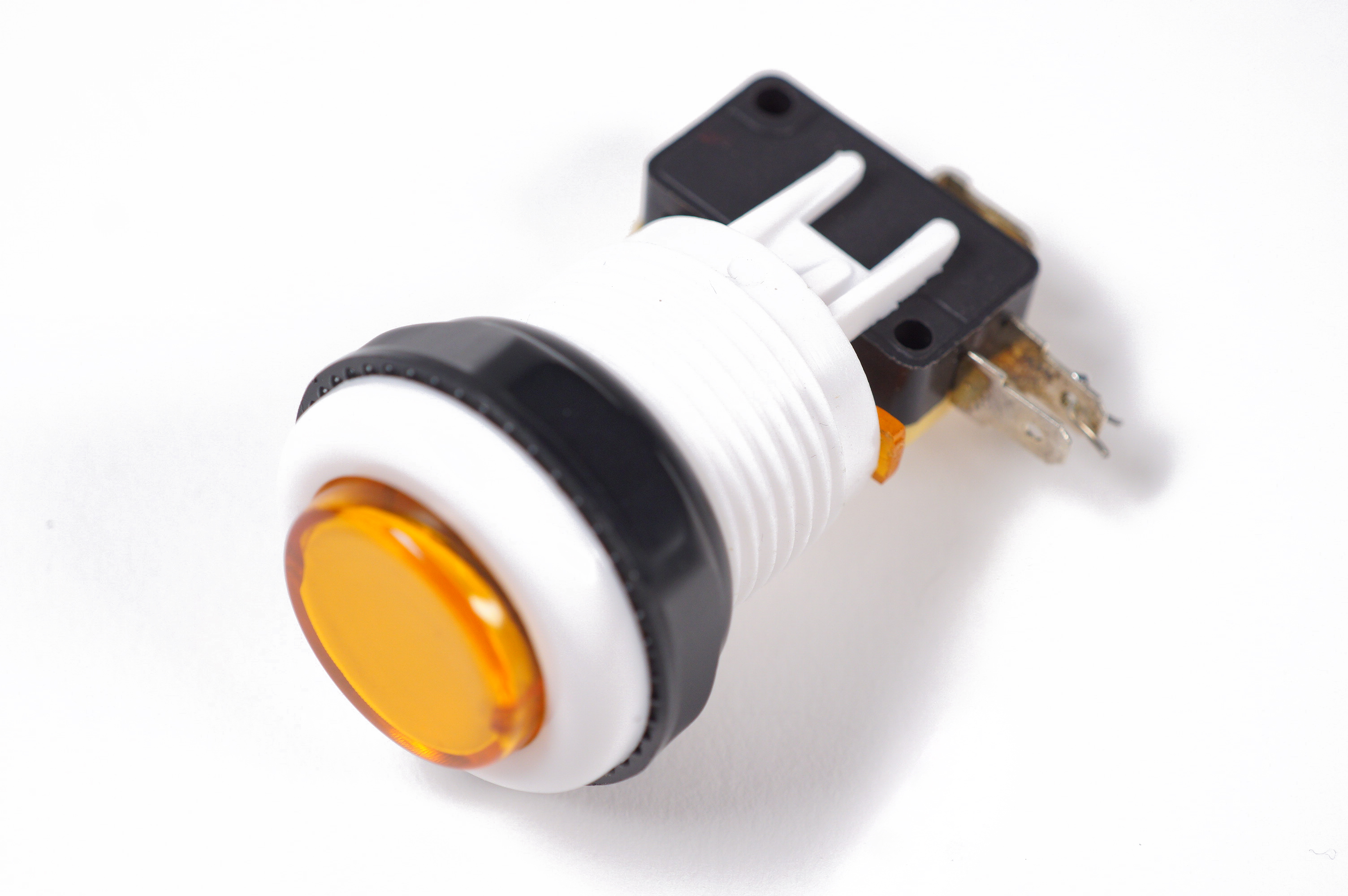
The arcade push-button consists of the arcade button body and a microswitch. The arcade button body has a large spring to help the button return to the up position. The button in the body presses the button on a microswitch mounted beneath it. See Lever switches for how a microswitch works.
Panel mount
The panel mount push-button behaves the same way: an electrical connection is only made when the button is pressed. The distinguishing factors are that it has only two leads (towards power and ground) and a small tightenable plastic ring that lets you fasten the button to a panel, for developing a physical interface with only the button head peeking out and the rest of the circuitry obscured.
There are two parts to the arcade button: the microswitch (the part that connects and disconnects the connection) and the button housing (the part you press). Here is a short video showing how to assemble them:
Using the microswitch is the same as any other microswitch; see Lever switches for how to use it.
See Lever switches for starter code and connections.