About
One of the most fundamental applications of a transistor is using it to control the flow of power to another part of the circuit -- using it as an electric switch. The transistor can create the binary on/off effect of a switch.
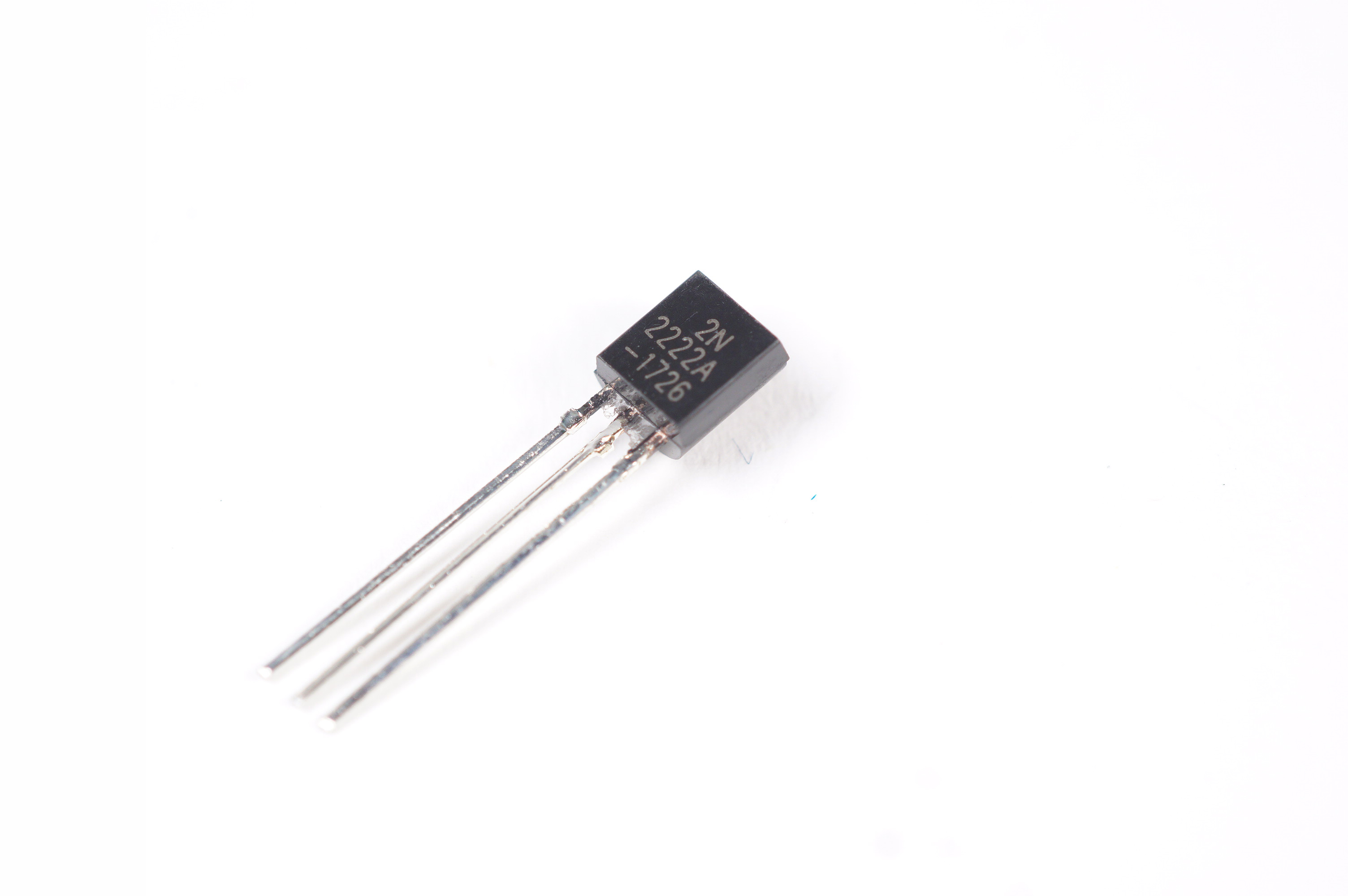
A small transistor like the PN2222 can be used as a switch that uses just a little current from the Arduino digital output to control the much bigger current of a motor.(Adapted from Sparkfun and Adafruit)
Good things to know, adapted from and courtesy of the Arduino website:
- BJT vs. (MOS)FET: These are different types of transistors. FETs (field-effect transistors) usually look a bit beefier, with a built-in heatsink. Each has three pins, but BJTs use the terms "collector, base, and emitter" for them, while FETs call them "source, gate, and drain".
- Collector: Similar to the positive leg on an LED, this is where power flows in.
- Base: This is the "trigger" pin coming from your controller, sensor, or whatever.
- Emitter: Like the negative leg on your LED, this is the ground side of your transistor.
Even transistors of similar types may put these legs in a different order, so double-check your part! An easy way is to Google image-search "[part number] pinout". Here's the PN2222A pinout:

- Part numbers: Make sure you grab the right transistors! You can Google the datasheet to be safe. Things to watch out for: it must be able to handle the power you're pushing through; double-check which way to hook it up; and it should be the right type (NPN or PNP). Use the first two rows engraved into the transistor. They can be hard to read; sorry.
- NPN vs. PNP: NPN transistors are normally "off" (disconnected), unless you're applying power to the base pin. PNP transistors are normally "on" (allowing current to flow), unless your signal is high.
Resources
- https://create.arduino.cc/projecthub/glowascii/transistors-for-robotics-arduino-basics-2cf124
- https://learn.sparkfun.com/tutorials/transistors/applications-i-switches
- https://learn.adafruit.com/adafruit-arduino-lesson-13-dc-motors/transistors
Related parts